01
Build domain-specific agents.
Create agents for research, operations, support, planning, or the work of a particular department.

AGTs Workplace
vAssiAGTs Workplace gives organizations a simple, controlled way to share context, manage access, and help focused agents work together.
Explore WorkplaceCreate a place where your team can use the same trusted context without giving every person or agent access to everything.
Create agents for research, operations, support, planning, or the work of a particular department.
Invite members, assign roles, and keep shared folders and agent capabilities governed by your organization.
Use multi-agent orchestration to let focused agents consult one another and return one coordinated result.
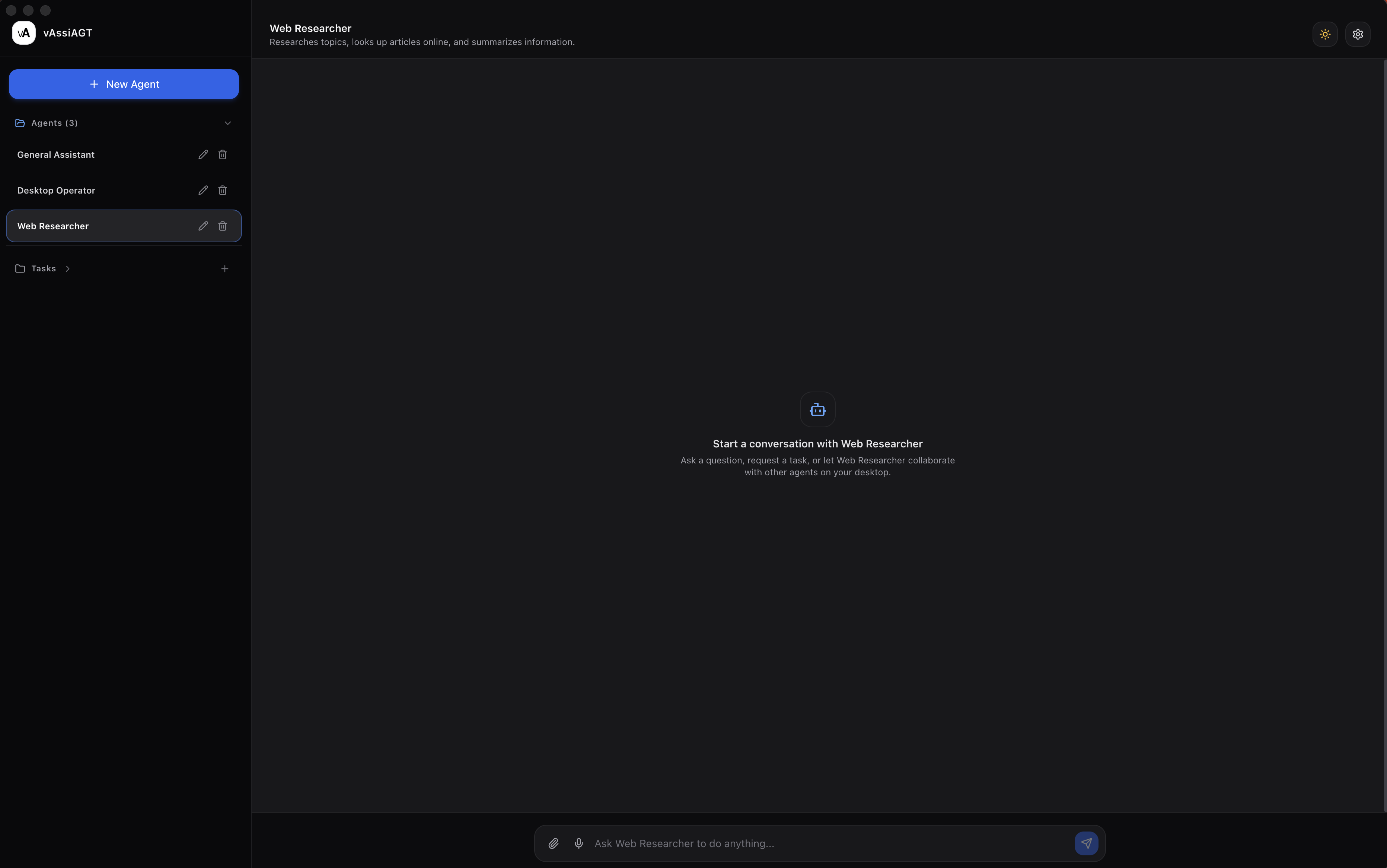
Create focused agents for the departments and workflows that keep your organization moving.
Build agents for operations, customer support, research, HR, finance, or project coordination.
Assign the instructions, shared folders, reference files, and capabilities that belong to its role.
Help each agent stay within its purpose while your organization keeps control of access.
Workplace is designed to give organizations confidence as their teams bring AI into everyday work.
Your organization decides who can join, what they can use, and which agents are available to the team.
Keep important folders and reference material governed by your organization, with read-only access available by default.
Manage members, agents, tools, and security activity from one central Workplace Portal.
Let focused agents coordinate work across departments and return one clear result to your team.
A Research Agent can gather findings while an Operations Agent organizes the relevant details.
One agent can consult another for a specific task without giving every agent access to everything.
Review the coordinated answer in one conversation instead of tracking every handoff yourself.
Give your team a consistent foundation while keeping specialized work easy to manage.
Create agents that reflect your organization’s processes, terminology, and approved knowledge.
Break larger workflows into smaller roles so each sub-agent can focus on the task it is best suited to handle.
Enable approved agents to create visual concepts, marketing assets, presentation ideas, and other images directly inside the conversation.
Admins can decide which Workplace agents have access to Image Generation.
Describe the subject, style, scene, or aspect ratio and let the agent create the image.
Preview generated images in the conversation and download them when they are ready.
Workplace brings the individual vAssiAGTs experience into a managed environment for teams.
Manage your team from one organization portal. Members use their organization email and receive only the access assigned to them.
Create shared agents and focused sub-agents, give each one the right context, and coordinate work across departments.
Your team should not need to become experts in models, prompts, or complicated automation. Workplace gives them a clear, governed path to useful results.
Bring employees into your organization with role-based invitations and organization-email validation.
Keep important folders read-only while agents help your team find and understand information.
Let approved agents create images, consult sub-agents, and turn specialized work into shared outcomes.
Keep important work moving without adding another tool to your team’s day. Describe the work, choose the right agent, and set it to run on a schedule.
Write simple instructions for daily, weekly, or other repeatable tasks.
Choose the Workplace agent with the instructions, tools, and shared folders the task needs.
Pause, edit, or remove scheduled tasks as your team’s priorities change.
When a task needs more than a response, enabled agents can work through approved steps across the applications your team already uses.
Let agents move through routine app steps that would otherwise interrupt your team’s day.
Enable automation per agent and require confirmation before consequential actions.
Shared folders remain read-only by default, separate from app-control permissions.
Workplace is designed to make useful AI approachable for organizations. Teams can create focused agents with simple instructions, give each agent the right context, and start working without becoming experts in prompt engineering or complicated automation.
Create an agent by describing its role in plain language, then give it straightforward instructions for how it should work.
Start with practical roles such as research, operations, customer support, project coordination, or internal knowledge.
One organization subscription for your team, with unlimited Workplace app downloads and controlled member access.
Up to 5 members with shared folders, organization roles, and Workplace agents.
Choose StarterUp to 15 members with the same controlled foundation for growing teams.
Choose TeamUp to 40 members with organization-wide context and collaboration.
Choose BusinessFor larger organizations that need tailored controls, support, and terms.
Contact salesA few practical answers for organizations getting started.