Documents
Create Photoshop documents and canvases for social posts, thumbnails, banners, print, HD, and 4K.

Use natural language to create documents, manage layers, make selections, apply masks, add text, run retouching steps, adjust color, resize artwork, and export files without hunting through menus.
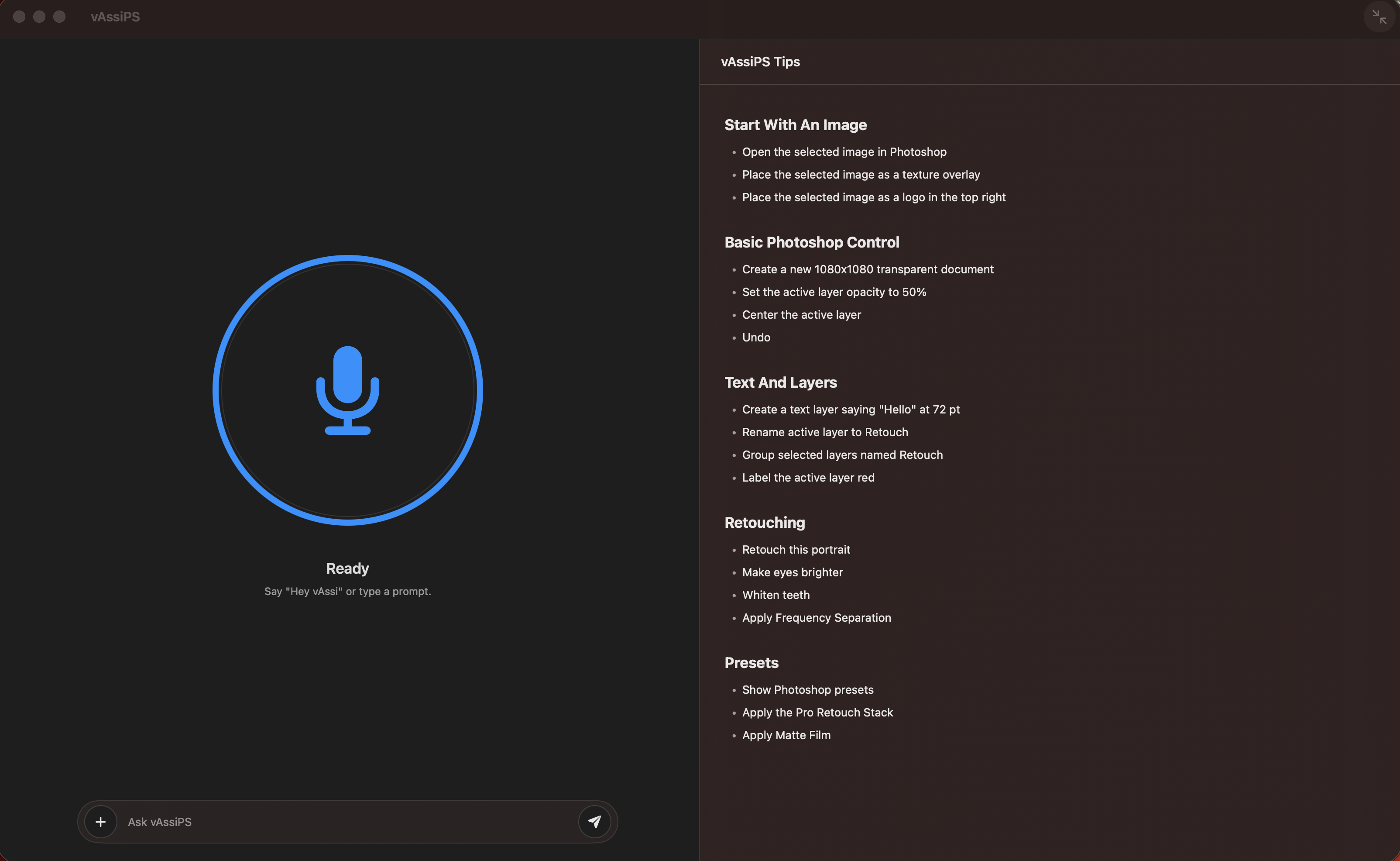
Say what you want when your hands are busy, or type a precise command when you are refining details. vAssiPS keeps voice and prompt control available for both quick edits and multi-step Photoshop work.
Use vAssiPS to speed up the repeated Photoshop operations that interrupt creative flow: layer setup, subject isolation, masks, blend modes, text edits, retouch helpers, color adjustments, and export prep.
Start common canvas sizes for posts, stories, thumbnails, banners, and covers with a simple prompt.
Rename, group, color-label, align, reorder, solo, show, hide, lock, and unlock layers without breaking focus.
Select subjects, remove backgrounds, create masks, blur backgrounds, darken backgrounds, and build clean cutouts faster.
Apply focused portrait helpers for skin, eyes, teeth, blemishes, shine, dodge and burn, and frequency separation setup.
Add and edit text, adjust text size or color, add strokes, drop shadows, solid color layers, and blend modes.
Apply brightness, contrast, hue, saturation, exposure, vibrance, black and white, blur, sharpen, and vignette commands.
Import images, open selected assets, place logos or textures, and position them as layers in the active document.
Resize image or canvas, crop to selection, merge, flatten, and export production-ready files.
vAssiPS works through Photoshop's UXP plugin layer and local macOS permissions, keeping edit actions visible inside the creative application where the work happens.
Install vAssiPS and load the Photoshop UXP bridge so the native assistant can communicate with Photoshop.
Speak or type a Photoshop request, from "create an Instagram post" to "remove the background" or "export this as PNG."
vAssiPS parses the request into supported Photoshop actions and sends them through the bridge.
Photoshop performs the operation on the current document, layer, selection, image, or imported asset.
Keep refining by voice or typed prompt until the file is ready to save, export, or continue editing.
Try It for Free.
vAssiPS is a native macOS download for Photoshop-focused AI command workflows.